Slack notification scheduling
Slack is giving your weekends back with per-day notification scheduling
Allows you to set a schedule on when (weekdays) and a time range. Nice!
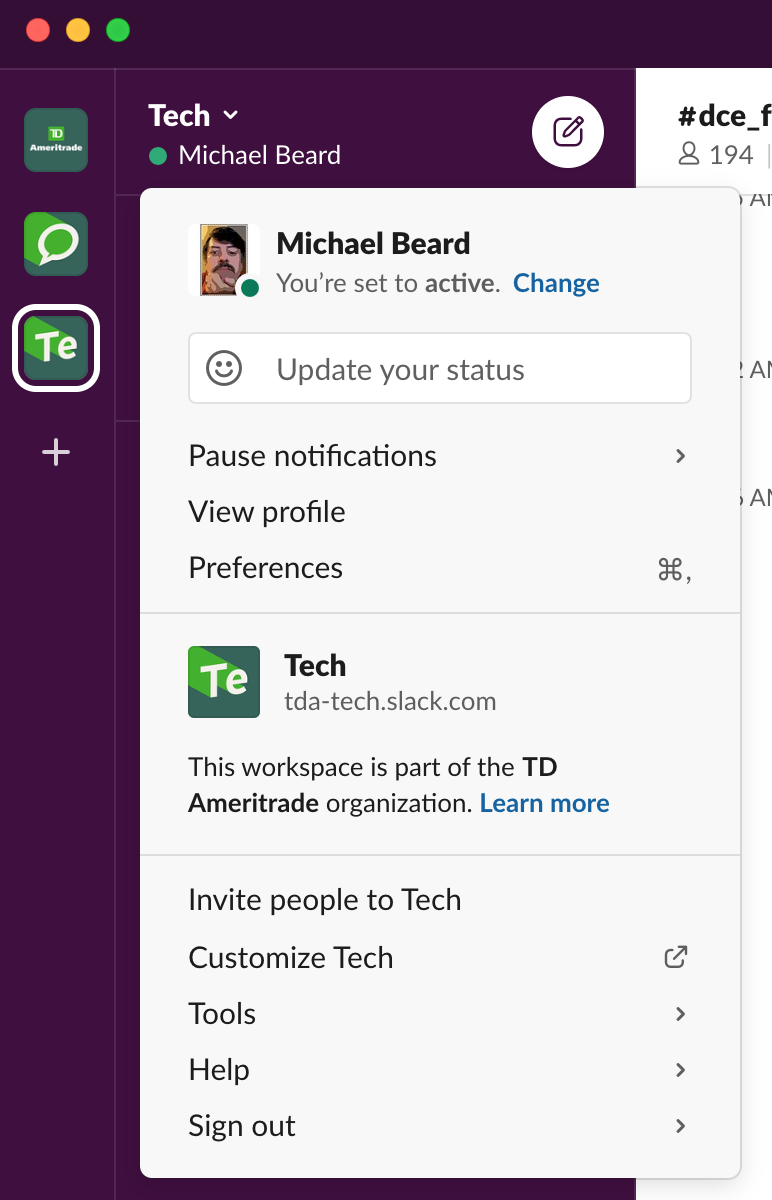
The article is a little vague on where you can find the Pause notifications menu item (probably because he is not using MacOs, but ...). Anyway, for Mac, it seems to be click on yourself and it should show you a menu. In that, there should be a Pause notifications menu item. From there, it's pretty simple. Just select Set a notifications schedule and you're good.
Here is a picture of where I found it:
Hopefully, this is useful.